I once watched a coworker spend twenty minutes fighting Microsoft Word’s autocorrect just to write a bulleted list for a README file. Autoformat kept turning his dashes into em-dashes, his numbers into fields he couldn’t delete. He gave up, opened a plain text file, typed a few asterisks, and was done in ten seconds. That’s Markdown in a nutshell: get out of the way and let people write.
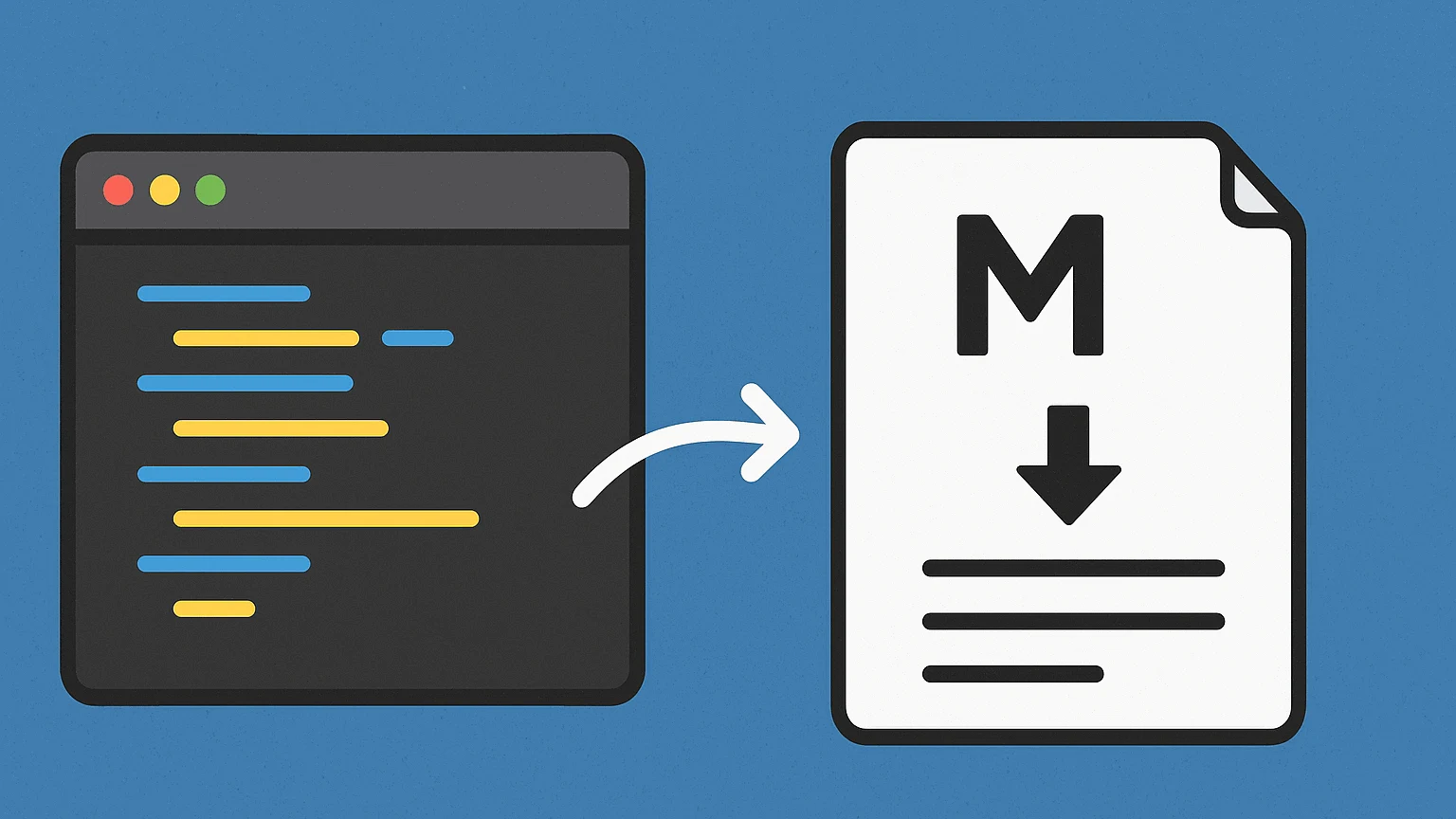
Markdown isn’t a programming language, and it isn’t really “formatting software” either. It’s closer to shorthand, a small set of symbols that stand in for formatting you’d normally click a button for. Put a pound sign before a line, and it becomes a heading. Wrap a word in asterisks, and it’s bold. Start a line with a dash, and you’ve got a bullet point. No mouse required, no ribbon of icons, no hidden formatting codes that only render correctly on your machine.
Think of it like sheet music. A composer doesn’t hand a pianist an audio recording; they hand over a page of notation, symbols that any trained musician can read and turn into sound, regardless of what piano they’re sitting at. Markdown works the same way. You write the symbols once, and any tool that understands Markdown — GitHub, Slack, Notion, a static site generator — can render them into properly formatted text. The notation stays portable even when the instrument changes.
John Gruber created Markdown back in 2004, working with Aaron Swartz, because he was tired of writing raw HTML just to post a blog entry. Tags like <strong> and <em> clutter the page and slow down the actual thinking. Gruber’s idea was almost stubbornly simple: writing formatted for the web should still look like writing, not code. Two decades later, that idea has quietly become the default text format of software development.
Why it Actually Matters to You
Here’s the part that matters even before you’ve written a line of code professionally. Nearly every README file on GitHub is Markdown. Every pull request description, every technical wiki, most blog platforms built for developers — Dev.to, Hashnode, Ghost — are Markdown under the hood. Chat tools like Slack and Discord borrow its syntax for quick bold and italic text. If you’re learning to code, you will run into Markdown constantly, often before you touch your first real programming language. It’s the connective tissue of developer communication, the thing everyone assumes you already know.
There’s also a durability argument I find genuinely compelling. A .docx file from 2004 might open strangely today — missing fonts, broken layouts, tracked changes nobody remembers making. A .md file from 2004 opens exactly the same way now as it did then, because it’s just text. No proprietary format, no version lock-in. Future-you, or some engineer inheriting your project six years from now, can read it in literally anything: a phone’s notes app, a terminal, a nine-dollar text editor. That kind of longevity is rare in software, and it’s not an accident. It’s the whole design philosophy.
I’ll admit a small digression here: I used to think plain-text formats were a nostalgia thing, something old-school engineers clung to out of habit. Then I lost a chunk of writing to a corrupted .docx file mid-deadline and never looked at rich text editors the same way again. Markdown files don’t corrupt like that. There’s nothing fancy inside them to break.
None of this means Markdown replaces “real” document tools. If you need footnotes, precise print layout, or a contract with tracked changes for legal review, reach for Word or LaTeX instead — Markdown will fight you the whole way, and rightly so; that’s not the job it was built for. But for documentation, notes, blog drafts, or anything meant to be read on a screen and edited by more than one person over time, it’s hard to beat.
The best compliment I can give it is this: once you learn it, you mostly stop thinking about formatting at all. You just write. And honestly, that’s the whole point.